From Quote Form to Follow-Up: Why Valid Email Data Matters
A visitor completes a quote form, chooses the services they need, enters the project parameters and receives an estimate. From the business side, this is already a potentially valuable lead: there is a service choice, some scope, a price context and a reason to start a conversation.
But if the email contains a typo or the mailbox does not exist, most of that information becomes hard to use. The team cannot reliably explain the estimate, ask a necessary follow-up question or tell the person what happens next. A smart quote form therefore has two jobs: collect useful project details and preserve a workable route back to the person who supplied them.
The lead-quality path
Quote form → estimate → contact details → validation → CRM → follow-up.
Each handoff should preserve the context gathered in the previous step. The estimate should stay connected to the visitor’s service choices. The contact record should retain the email, consent and source. The CRM entry should show what was selected, not just that “someone submitted a form.”
Quote form
The form should ask for information that changes the estimate or the next conversation: service type, size, quantity, location, timeline, package, add-ons and special requirements. It should not collect every detail the business might want someday. More fields do not automatically make a lead better; relevant fields do.
Good field labels and a sensible order also protect data quality. If the visitor understands why a field is needed, they are more likely to complete it accurately. Basic browser validation can catch an empty value or an obviously malformed address, but it cannot confirm that a mailbox exists.
Estimate
The estimate gives the visitor an immediate result and gives the business a reference point for the next message. Store the inputs that produced it alongside the result. If a sales person sees only an email and a total, they may need to repeat the whole discovery process. If they see “website migration, 12 pages, blog included, target launch in October,” the first reply can move the project forward.
Contact details
Email is often the bridge between the estimate and the follow-up. Treat it as a lead field, not as an afterthought at the bottom of the form. Ask for it once, make the format easy to read, and explain what the visitor will receive after submitting.
It is also useful to distinguish between an address that passes a format check and an address that has stronger evidence of being reachable. A regular expression can tell you that name@example.com looks like an email. It cannot tell you whether the domain accepts mail or whether the mailbox is available.
Validation before CRM or sales routing
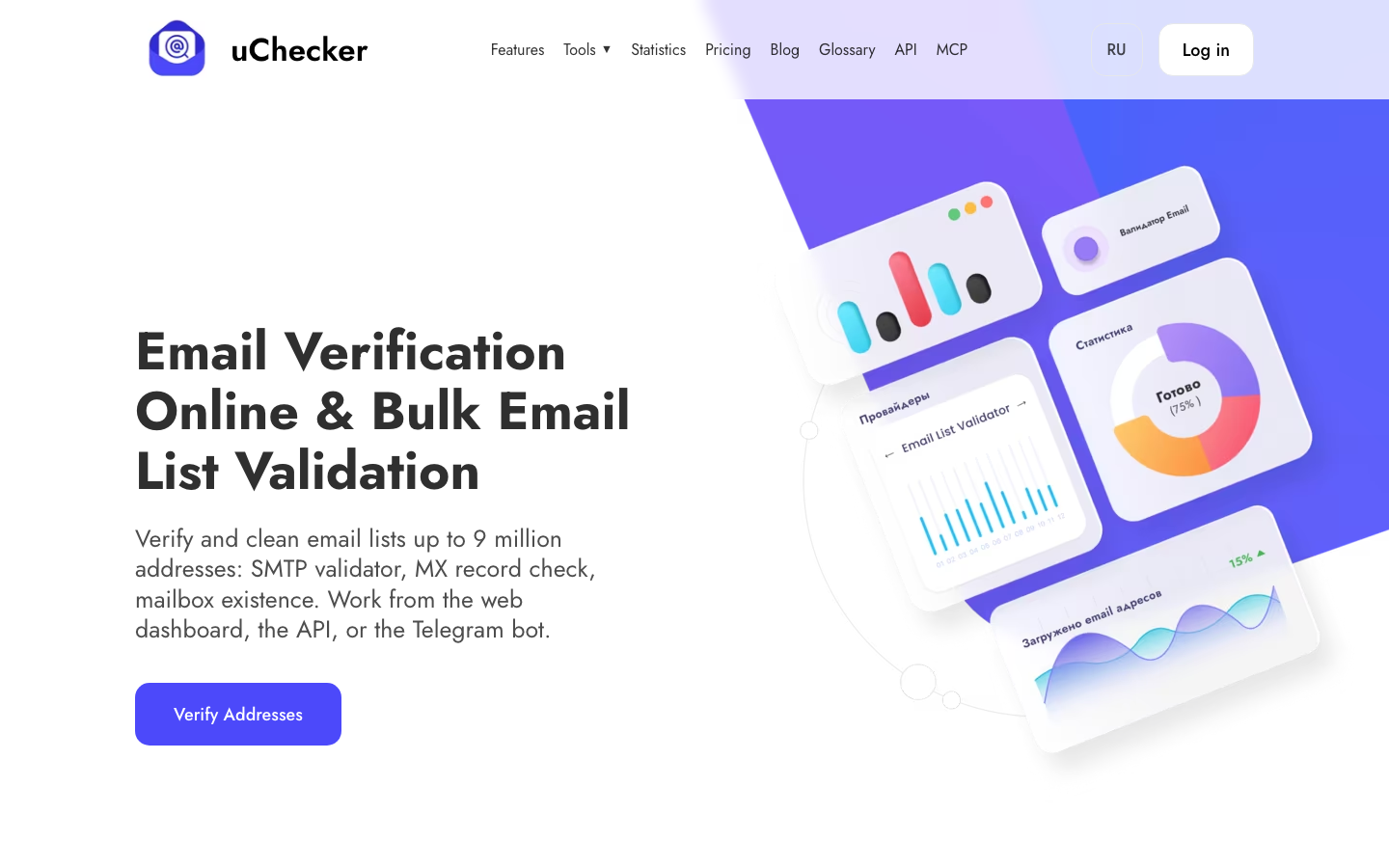
uChecker can be used as an additional validation step before a lead is handed to the CRM or sales workflow. It checks more than the visible shape of the address, including domain and mailbox-related signals, and can return usable, invalid or uncertain outcomes.
This does not mean rejecting every uncertain address. It means giving the CRM and the person following up enough information to choose the next action. A clearly invalid address may need a correction prompt. An uncertain address may need a different contact route or a careful manual review. A likely-valid address can proceed through the normal workflow.
CRM
Pass the estimate and the form context into the CRM together with the validation status and the time of submission. Keep the original value for auditability, but make the status visible to the person responsible for the lead. This prevents a common failure: a complete-looking record that cannot be acted on.
If your system sends an automatic confirmation, decide what happens when the contact data is uncertain. You might still save the inquiry for manual review, while avoiding a series of retries to an address that has already failed validation.
Follow-up
The first follow-up should refer to the visitor’s request. Confirm what they selected, explain whether the estimate is preliminary or fixed, and state the next step. A specific message is more useful than a generic “we received your request” email—and it gives the recipient a reason to reply.
Track the result: delivered, bounced, replied, qualified, scheduled or closed. These outcomes help improve both the form and the routing logic. If many complete estimates never produce a deliverable contact, the problem is not only sales follow-up; it is lead-data quality.
Better data means a more useful quote flow
A smart quote form should not aim to collect the maximum amount of information. It should collect the information the business can interpret, store and use in a real conversation. Validation is one small part of that system, but it protects the value created by the rest of the form.