uKit Review: A Practical Website Builder for Small Business Websites
Small businesses often need a website that is simple, clear, and easy to maintain. They do not always need a complex custom platform, a large development budget, or a system that requires constant technical support.
For many service-based businesses, the main goal is practical: explain what the company does, present services, show contact information, and help visitors take the next step. That next step may be a phone call, a message, a booking request, or a quote form.
uKit is designed for this kind of practical business use. It gives small companies a way to create a clean online presence without building everything from scratch. This review looks at where uKit fits best, what types of businesses can use it, and how it can support websites that need better lead collection.
What Is uKit?
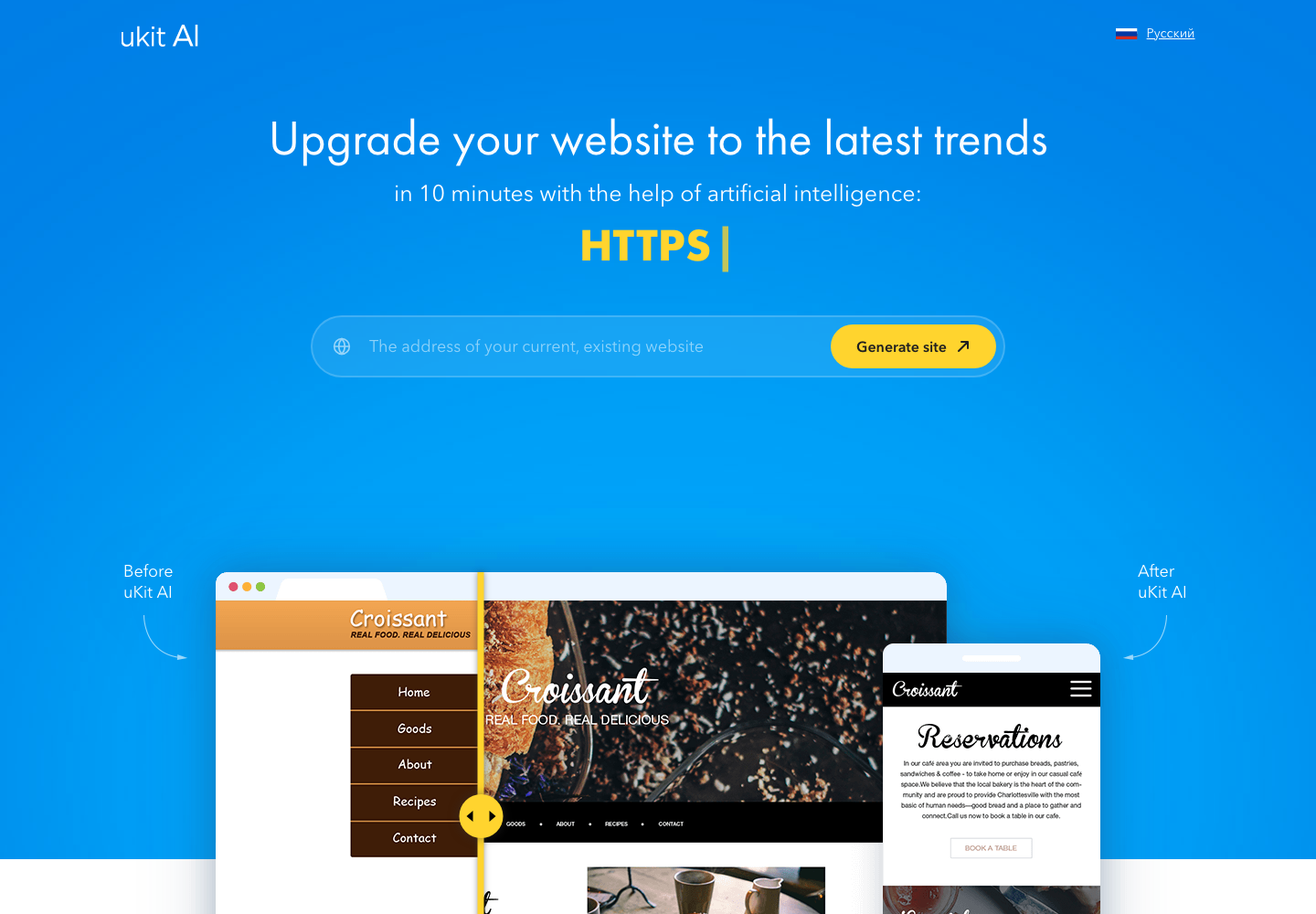
uKit is a website builder for users who want to create a business website without working directly with code. It provides ready-made layouts, visual editing tools, page blocks, and settings that help users assemble a website step by step.
The platform is especially relevant for small businesses, freelancers, local service providers, consultants, agencies, and professionals who need a website that looks organized and can be updated without a developer for every small change.
Unlike more complex content management systems, uKit focuses on simplicity. The user works with a visual interface, edits content directly, adds sections, adjusts pages, and publishes the site when it is ready.
This makes it suitable for people who want control over basic website updates but do not want to manage hosting details, technical configuration, or plugin conflicts.
Who Is uKit Best For?
uKit is best suited for small and mid-sized business websites where clarity matters more than advanced custom development.
It can work well for:
- Local service businesses
- Consultants and coaches
- Small agencies
- Portfolio websites
- Landing pages
- Event pages
- Personal business websites
- Simple company websites
- Professional service pages
A typical uKit user may not need a large online store, a custom web application, or a heavily modified system. Instead, they need a website that explains services clearly and makes the business look credible.
For example, a cleaning company can use uKit to present service packages, show before-and-after examples, and add a quote request form. A consultant can use it to explain expertise, publish case studies, and encourage visitors to request a call. A local contractor can create pages for different services and add a structured inquiry form for project details.
In these cases, uKit provides a practical foundation.
Main Strengths of uKit
The strongest part of uKit is its focus on simplicity. A business owner or marketer can build pages without learning a complex system. This is useful when the website needs to be launched quickly or when the company wants to manage basic edits internally.
Another advantage is structure. uKit websites can be built from ready-made sections that match common business needs: homepage blocks, service descriptions, contact sections, galleries, testimonials, and calls to action. This helps users avoid starting from a blank screen.
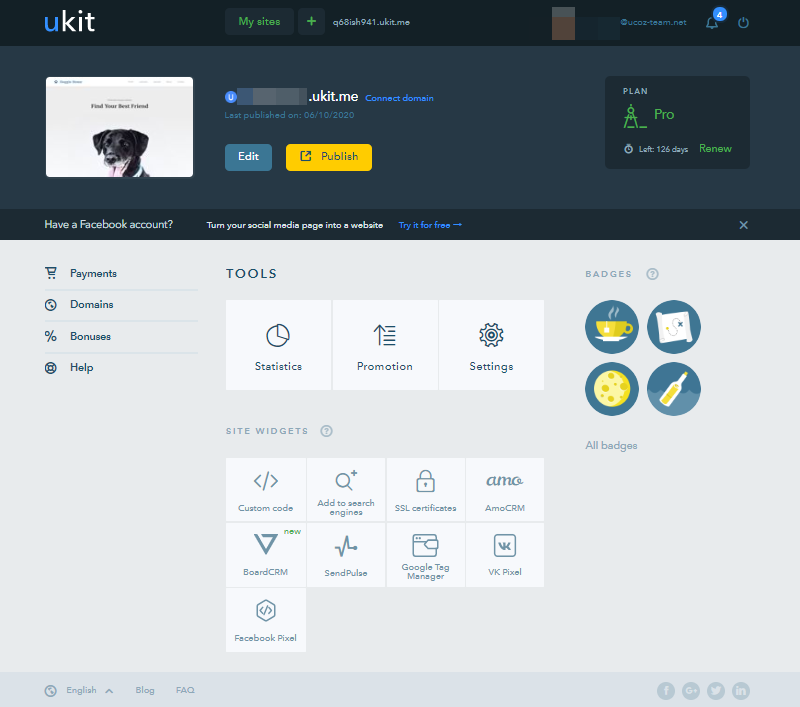
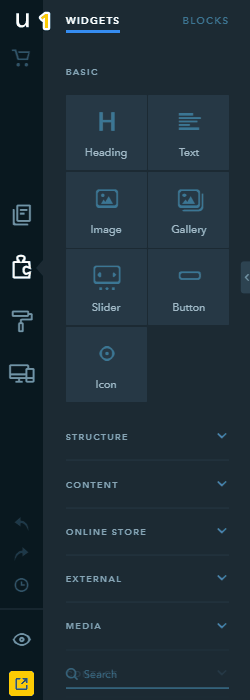
The visual editor also makes the process easier. Instead of thinking in technical terms, the user can focus on content and layout. They can change text, replace images, move blocks, and adjust page sections in a more natural way.
For small businesses, this can be more important than having unlimited customization. A website that is easy to update is often more useful than a complex site that nobody wants to touch after launch.
Design and Layout Options
uKit offers design options aimed at business websites. The layouts are generally built around clear sections: hero area, service blocks, benefits, images, testimonials, contact information, and calls to action.
This structure is useful because many small business websites need the same basic flow. Visitors should quickly understand who the business is, what it offers, why it is reliable, and how to contact it.
A good uKit website can be built around a simple page structure:
- Homepage
- About page
- Services page
- Projects or portfolio page
- Blog or resources page
- Contact page
This is enough for many companies. The key is not to overload the site with unnecessary sections. The best result usually comes from clear content, direct navigation, and strong calls to action.
Ease of Use
Ease of use is one of the main reasons businesses consider uKit.
A small business owner may not have time to learn advanced website administration. They may only need to update service descriptions, change a phone number, add a new page, or replace a photo. uKit makes these routine tasks more accessible.
The platform is also useful for freelancers and small web studios that build websites for clients. A client can receive a finished site and later make simple edits without asking the developer for every minor update.
This makes uKit suitable for projects where long-term simplicity matters. A website should not become a burden after launch.
SEO and Business Visibility
A website builder should not only help create pages. It should also support basic search visibility.
For small businesses, this means having clear page titles, descriptions, headings, readable content, and focused service pages. uKit can be used to build this kind of structure when the content is prepared properly.
The most important SEO work still depends on planning. A business website should have separate pages for major services, clear local or niche relevance, and content that answers real customer questions.
For example, a quote-focused service business may create pages around specific services, pricing factors, common questions, and project examples. The platform provides the structure, but the strategy comes from how the content is written and organized.
uKit can support this approach when the site owner treats SEO as part of the website plan, not as an afterthought.
Forms and Lead Generation
Lead generation is one of the most important parts of a small business website. A visitor may like the service, but the website still needs to help that person take action.
Basic contact forms are useful, but they are often too limited. Many businesses need more than a name, email, and message. They need details such as service type, quantity, project size, location, preferred date, package level, or budget range.
This is where a uKit website can be improved with structured forms, quote request flows, or embedded calculators.
A service page built with uKit can explain the offer clearly, then guide visitors toward a more useful request form. Instead of writing a vague message, the visitor can choose parameters and provide the details the business actually needs.
For businesses that depend on quotes, this can improve lead quality.
Using uKit With Quote Forms and Calculators
uKit can serve as the website foundation, while specialized quote forms or calculators handle the logic behind inquiries.
This combination is useful because the website and the quote tool have different jobs. The website explains the business, builds trust, and presents services. The calculator or quote form collects structured information and helps the visitor move toward a decision.
For example, a service business can use a uKit site to present its services and then add a calculator that estimates cost based on selected options. A consultant can explain different packages and then use a form that recommends the right service level. A contractor can describe project types and then collect details about size, materials, location, and urgency.
The result is a more practical website journey. The visitor reads the page, understands the offer, interacts with the form, and sends a more complete inquiry.
This is especially useful for businesses where pricing depends on several variables.
What Could Be Better?
uKit is not the right tool for every project. Businesses that need highly custom functionality, complex integrations, large-scale eCommerce, advanced membership systems, or custom web applications may need a more flexible technical setup.
The platform is strongest when the goal is a clear business website. It is less suitable when the website itself needs to behave like a complex software product.
Customization can also be more limited compared with open-ended development platforms. This is not necessarily a problem for small business sites, but it matters for projects with unusual design or functionality requirements.
In other words, uKit works best when the website needs to be clean, practical, and manageable. It is not meant to replace full custom development for advanced systems.
Best Use Cases for uKit
uKit is a strong fit for businesses that need a professional website without unnecessary technical complexity.
Good use cases include:
- A local service company that needs a clear website and inquiry form
- A consultant who wants to present services and collect leads
- A freelancer who needs a portfolio and contact page
- A small agency that wants a simple online presence
- A business launching a landing page for one offer
- A company that wants to add structured quote requests to service pages
The platform works best when the website has a focused purpose. It should explain the offer, answer practical questions, and guide visitors toward contact or quote request.
Final Verdict
uKit is a practical website builder for small businesses that need a clean, manageable, and service-focused website. Its main value is simplicity. It helps users create pages, organize content, and maintain a professional online presence without dealing with complex technical setup.
It is not the best choice for every type of website. Projects with advanced custom functionality may need a different platform. But for small business websites, service pages, portfolios, landing pages, and lead-focused sites, uKit can be a sensible option.
The best results come when uKit is used as part of a clear website strategy. The site should explain services well, guide visitors toward the next step, and include forms or calculators that collect useful information.
For businesses that rely on inquiries and quotes, this approach can turn a simple website into a more effective lead-generation tool.
QuoteLogicPro helps businesses improve this process by planning and building smart quote forms, price calculators, package selectors, and lead capture widgets that can support business websites built on platforms such as uKit.