Why Visitors Abandon Quote Forms — and How Post-Quote Surveys Help Explain Why
A well-designed quote form can guide a visitor through service options, project details and an estimate. It still does not guarantee that the visitor will request a quote. Someone may complete the calculation, see the result and leave without submitting—or start the form, reach the estimate and decide not to continue.
Analytics can show the page, step or event where that happens. It usually cannot explain the decision. Was the estimate higher than expected? Were the conditions unclear? Did the form ask for too much information? Was the visitor only researching options? A short post-quote survey can add that missing context.
What the quote flow tells you
The form records choices and behaviour: selected service, project size, add-ons, estimate range, time on step and whether the request was submitted. This is valuable because it shows what the visitor did. It does not necessarily show why they stopped.
Do not infer a reason from a single event. A long time on a step might mean confusion, careful comparison or a phone interruption. A high exit rate after the estimate might indicate price resistance, but it might also mean the visitor got exactly the information they came for.
Where a post-quote survey fits
Ask one to three questions after the estimate is shown, or when the visitor signals an intention to leave. Keep the survey separate from the quote request itself. Its job is to learn about the experience, not to force a second form submission.
- Was the estimate what you expected?
- What stopped you from requesting a quote?
- What information was missing?
- How easy was it to describe your project?
Use a choice question when you need comparable reasons and an optional open field when you need the visitor’s language. A small “other” option matters because predetermined answers can hide an issue the team did not anticipate.
Survey Ninja for contextual questions
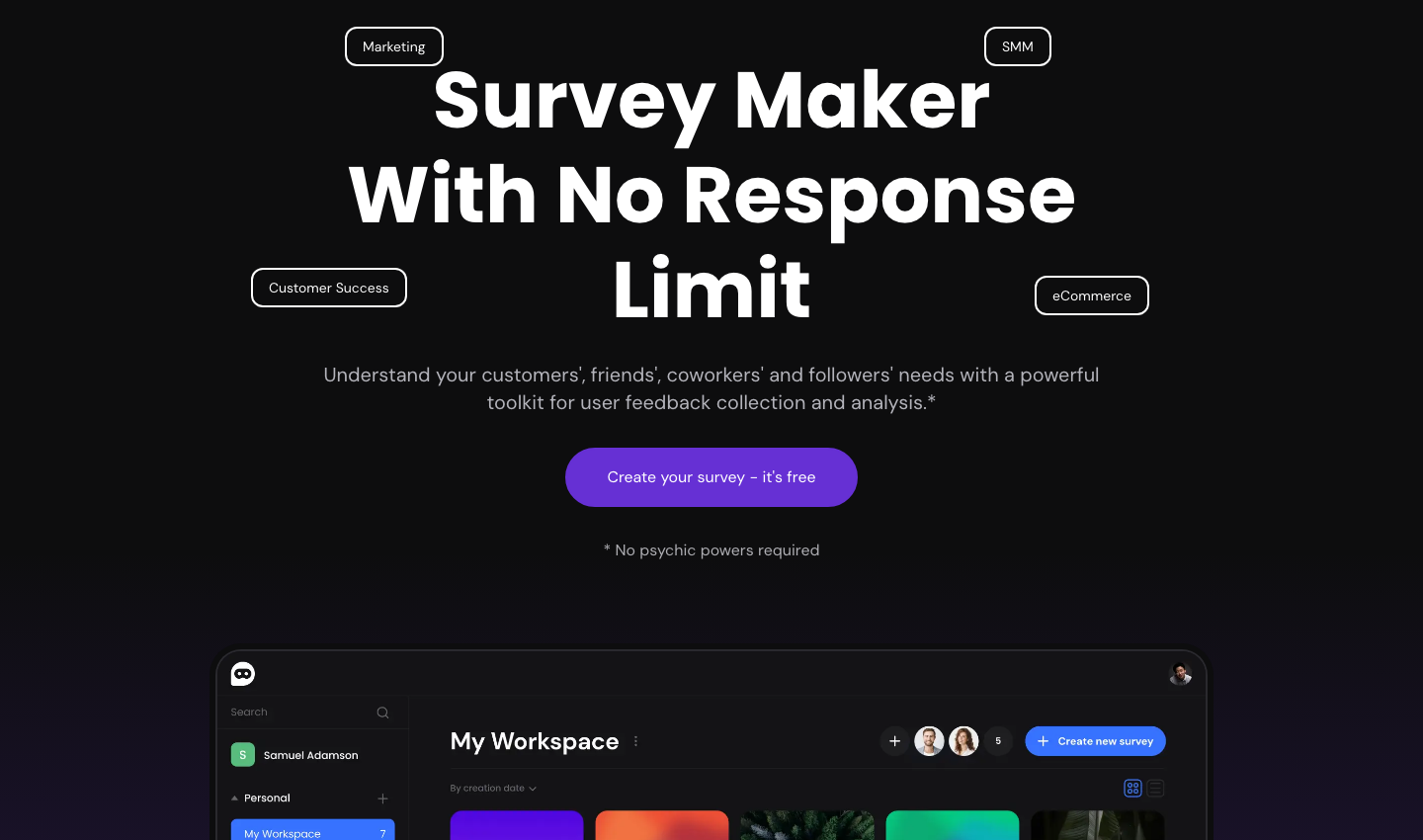
Survey Ninja is a practical way to run this kind of short, contextual feedback. A popup or widget can appear at the estimate stage, and branching can show a different follow-up question depending on the first answer. For example, someone who says the estimate was higher than expected can be asked whether the price or the scope was unclear.
Pass context with the response where possible: the form step, estimate band, selected service and whether the request was submitted. The survey answer becomes much more useful when it can be read alongside what the visitor actually chose.
Read the answers with the funnel data
Group responses by the event that preceded them. Compare people who saw the estimate and submitted with those who saw it and left. If “price was higher than expected” is common among one service or project size, review the pricing explanation and the assumptions shown before the estimate. If “I needed more information” is common, inspect the scope, examples and next-step copy.
Some findings should change the form. Others should change what happens around it. A visitor who is not ready to decide may benefit from a save-and-return option or a short guide. A visitor who cannot tell what is included needs clearer service information before the form.
Use the feedback to improve the next request
Turn repeated answers into specific changes: shorten a step, explain a price factor, add a missing example, move a trust signal or rewrite the result message. Then run the same small survey after the change. The point is not to chase a perfect survey score; it is to see whether fewer people encounter the same obstacle.
The form shows the choice; the survey explains the pause
QuoteLogicPro focuses on the path from pricing logic to a usable website request. A quote form shows what a visitor selected and what estimate they received. A post-quote survey adds the reason behind continuing, comparing or stopping. Together they give a clearer view of lead quality and of the experience that produces it.